
 K Photos Listed in stores as KepvelaPic
K Photos is a gallery that keeps your pictures private.
Most gallery apps show ads, ask you to sign in, and open straight onto your newest photos, even when someone is looking over your shoulder. K Photos opens with no pictures showing and works without an internet connection. On Android it has no internet permission, so it cannot send anything it reads.
See where to get it See what it never does
The K apps launch together. The store link appears here on launch day.
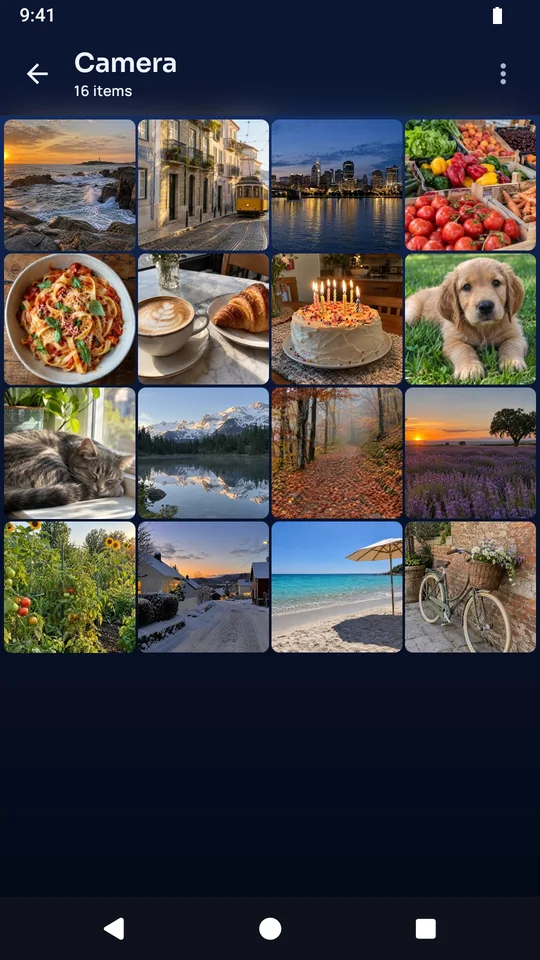
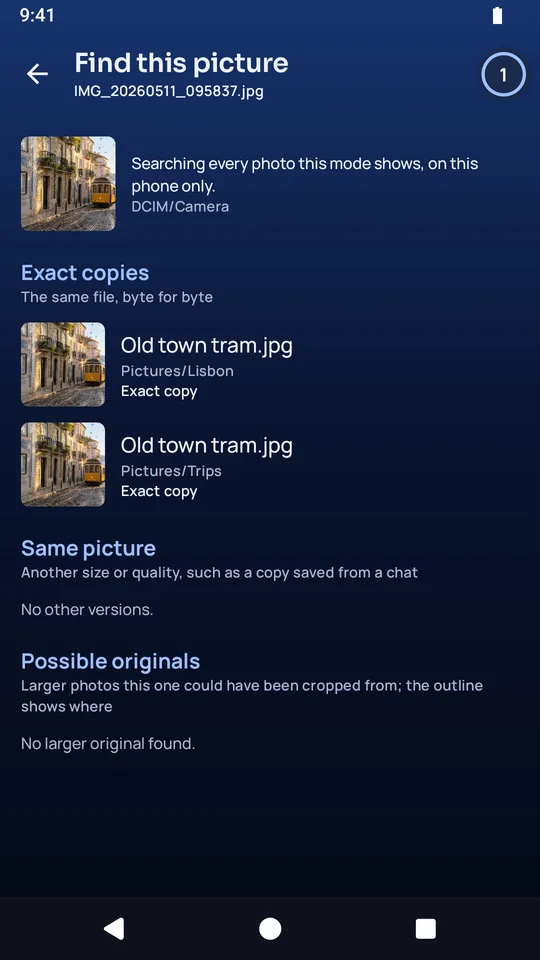
Your photos are arranged by folder, the way you keep them.
- Every photo and video on your phone appears by folder, with subfolders first.
- A folder shows as a list or as thumbnails in four sizes, and each folder remembers its view.
- Copy, move, rename and delete work with Undo, on one photo or on a whole folder.
- Batch rename shows a preview before it changes any names.
- On Android you can hide a folder from other gallery apps.
- Long jobs keep running when you leave the screen, with a Tasks list and a Cancel button.
It finds the original of a picture, and the extra copies.
- Find this picture takes a cropped or edited photo and finds its original and its other copies in any folder.
- Find duplicates lists exact copies and close matches. You review them before anything is deleted, and the delete comes with Undo.
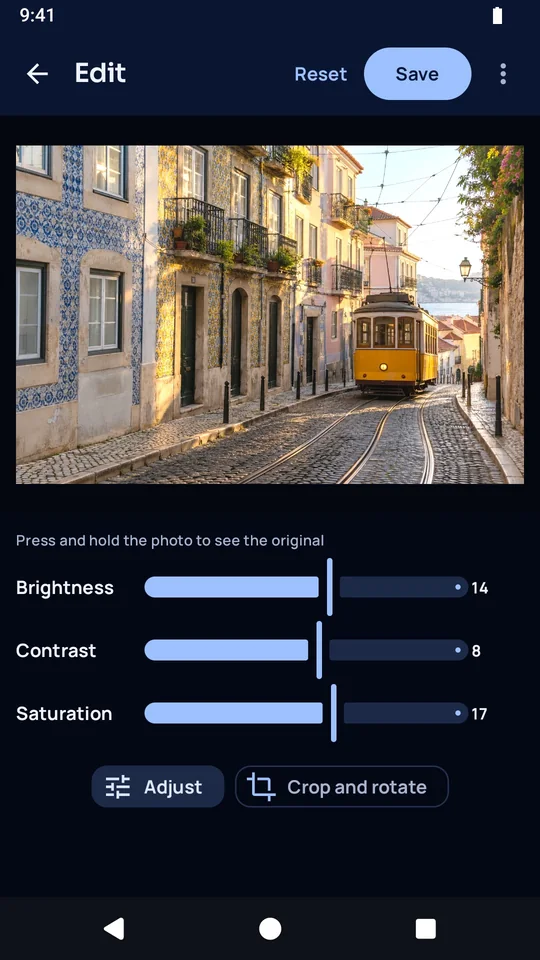
You edit on the device, and the original is kept.
- Turn, mirror and crop a photo, and adjust its brightness, contrast and saturation.
- Saving keeps the first original, so Revert to original always works. You can also save the edit as a separate copy.
- Before, After and Split view show the change before you save it.
- Batch edit applies one crop, turn and color setting to many photos.
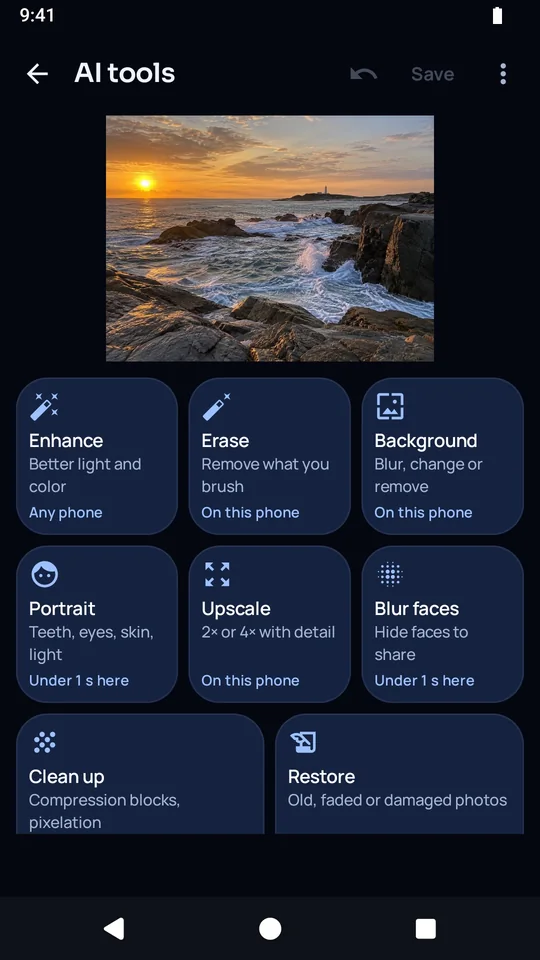
The AI tools run on your phone.
- Enhance, Erase, Background, Portrait, Upscale, Blur faces, Clean up and Restore all run on the phone.
- The AI works on every photo you choose, including medical photos, ID cards and private photos, and none of them leaves your phone.
- Blur faces hides people before you share a photo.
- Clean up and Restore use the optional Restore pack, which is about 76 MB.
It is private when you need it to be.
- K Photos opens with no pictures showing.
- Private mode hides the folders you choose, and you can lock it with a PIN or your screen lock.
- On Android, private screens stay out of screenshots and out of the recent-apps screen.
- A .kept file seals a photo into a private copy that only you can open.
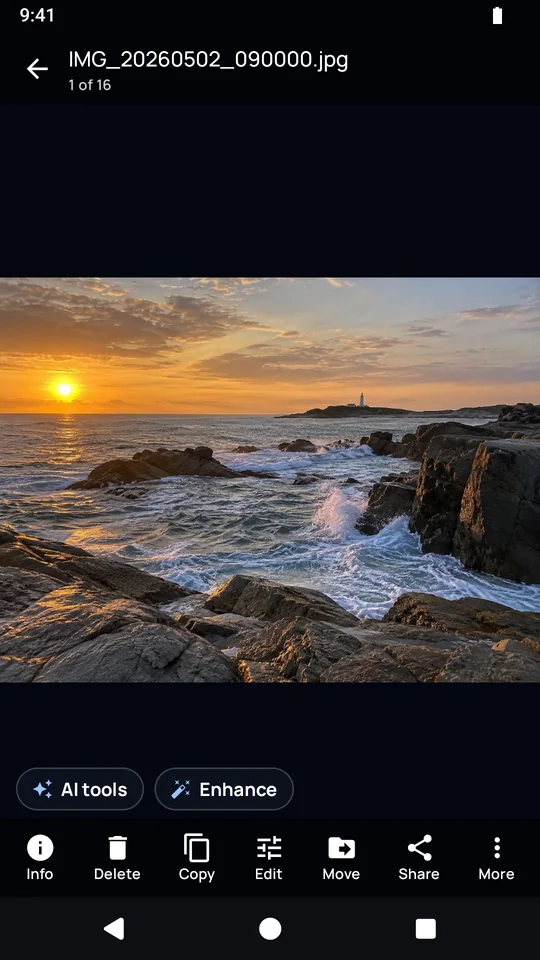
It also makes GIFs and thumbnail sheets, and a camera is built in.
- Make a GIF from photos or from a video, and change its speed, order, crop, size and looping.
- Save the frames of a GIF as pictures.
- A thumbnail sheet puts a folder's photos on one page, as a PDF, a JPEG or a PNG.
- On Android the built-in camera takes photos on a tap or on a repeating timer.
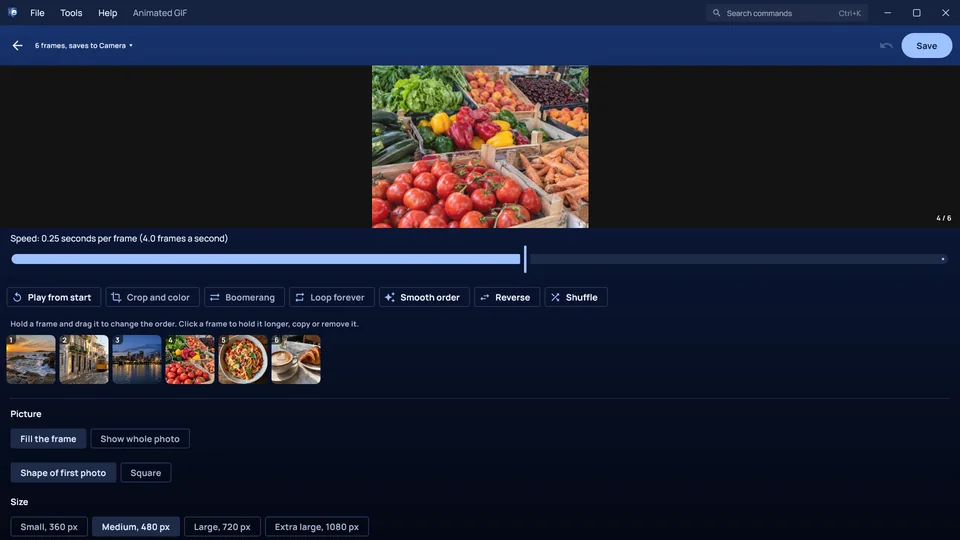
This is K Photos on a Windows computer.
It works on the same files in the same way.
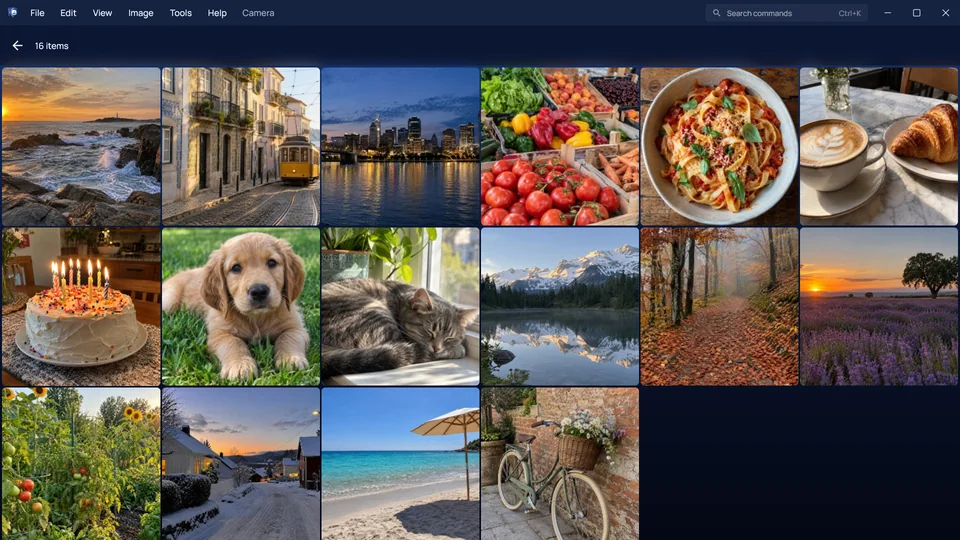
These are the things K Photos never does.
- It has no internet permission on Android, so the phone blocks it from making any connection.
- It has no account and no sign-in.
- It shows no ads and carries no tracking or analytics code.
- It does not show your pictures when it opens.
- It does not upload a photo to edit it. Every tool runs on the device.
- It does not overwrite your first original. Revert to original brings it back.
K Photos launches with the rest of the K apps.
Every K app arrives on the same day. The store link appears on this page on launch day.
These are the complaints K Photos answers.
- Gallery apps fill with ads after an update.
- K Photos shows no ads, and without internet access it has no way to fetch one.
- A gallery opens onto your newest photos while someone is looking.
- K Photos opens with no pictures showing.
- The original of a cropped photo is hard to find.
- Find this picture searches every folder for it.
- Some photo apps bury your folders under one long timeline.
- K Photos gives every folder its own tile.
- Old copies of QuickPic no longer install on new phones.
- K Photos is modeled on QuickPic and built for current versions of Android.
Here is what is free, and what the purchase adds.
K Photos is free to download, with no ads. You buy it once and keep it for good.
Free, with no time limit
- Browsing, viewing, sorting and sharing your photos are free.
- Copy, move, rename and delete with Undo are free.
- Turn, mirror, crop and the adjustment sliders are free.
- Hiding folders from other gallery apps is free.
- The camera is free for plain photos and video.
- Opening a .kept file is always free.
With the trial and the purchase
- Find this picture, private mode with its lock, and the camera's timed modes come with the trial and stay with the purchase.
- The AI tools, the GIF maker, thumbnail sheets and batch rename are free to try and to preview. After the trial they give you 5 finished results a month, and the purchase removes that limit.
AI on the device
- Enhance, Erase, Background, Portrait, Upscale, Blur faces and smooth GIF frames are built into the app.
- Clean up, Restore and the slower, higher-quality enlarger use the optional Restore pack.
File formats
- It opens JPG, PNG, WebP, GIF, HEIC, HEIF, AVIF, BMP and DNG pictures, and MP4, MKV, WebM, 3GP, MOV and M4V video.
- It saves edited photos, GIFs, single frames as PNG, thumbnail sheets as PDF, JPEG or PNG, and .kept copies.